


POWERUP 4.0 Smartphone-Controlled Paper Airplane Kit | STEM Toy

Loading…
Build It. Fly It. Control It!
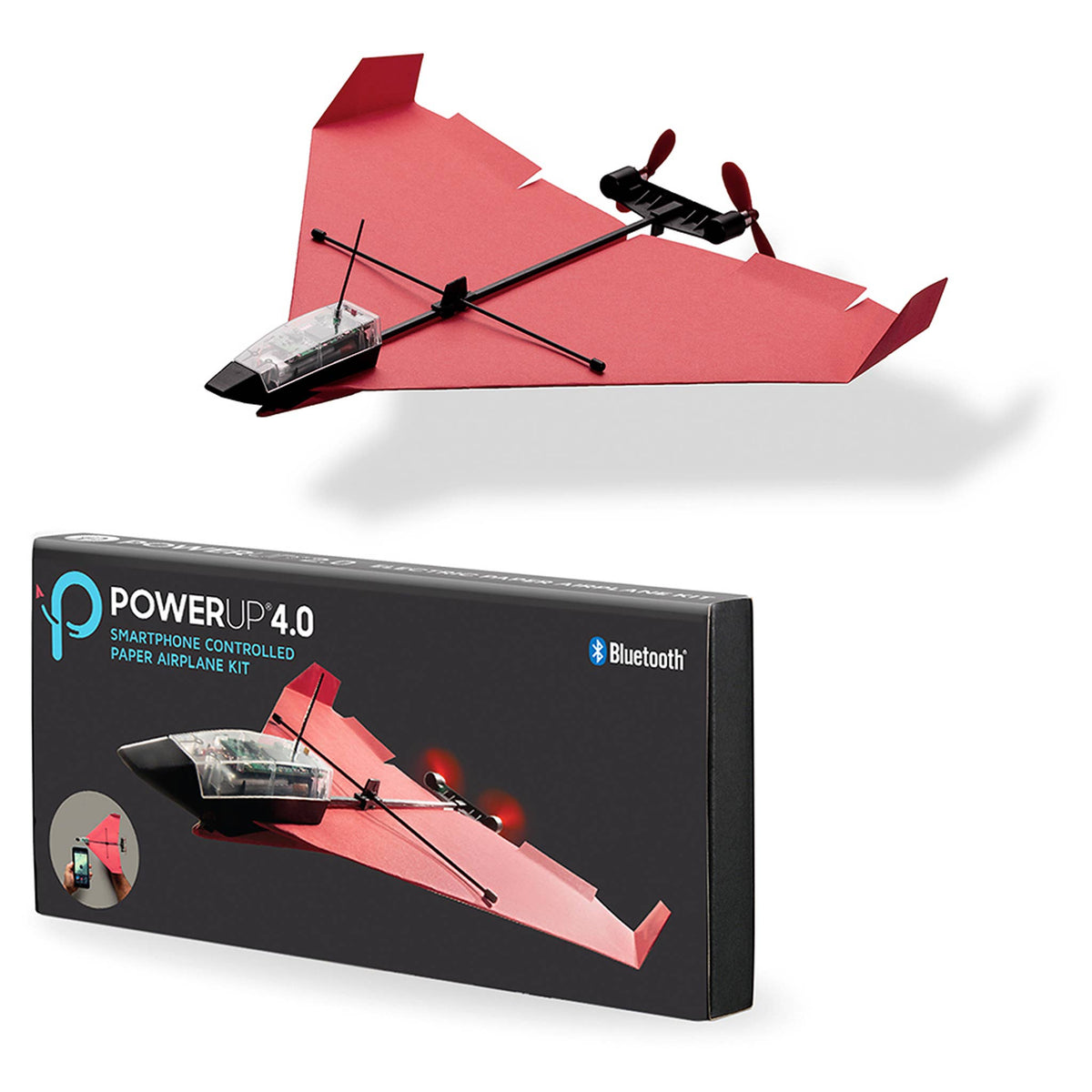
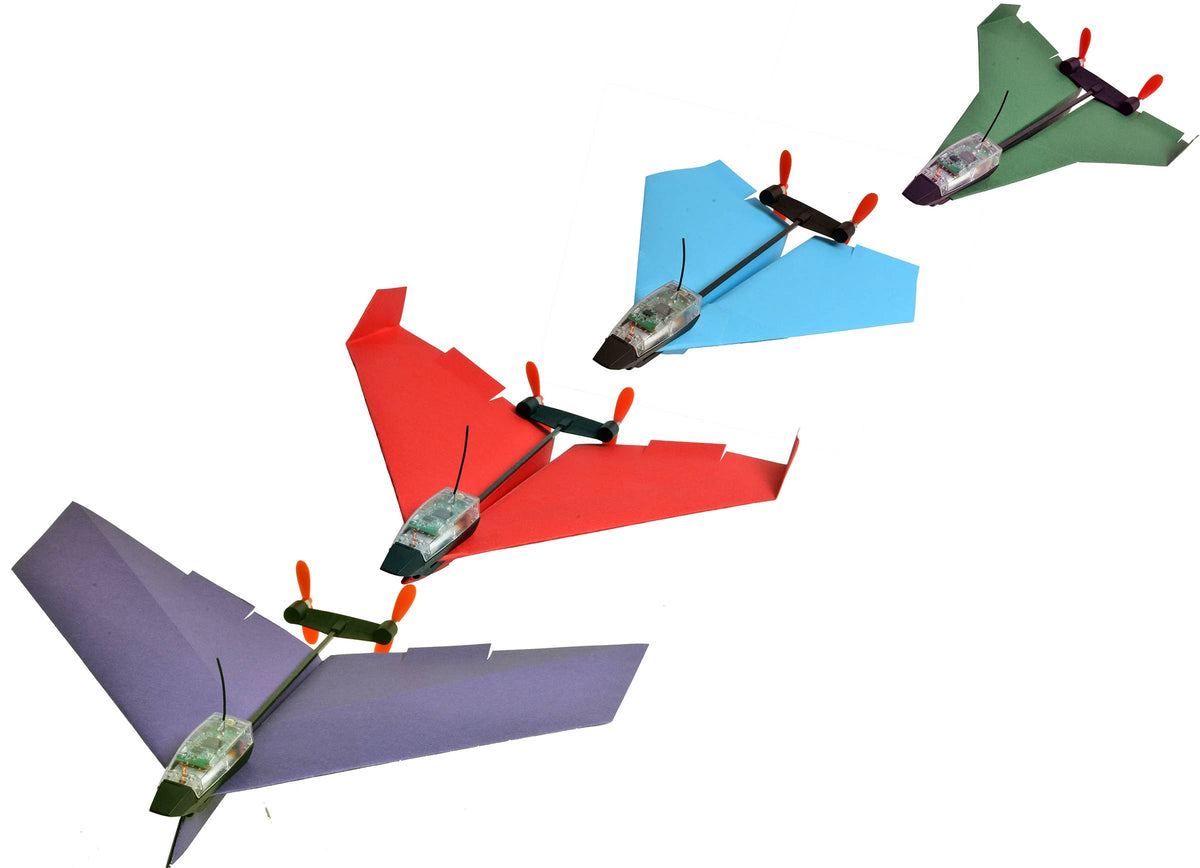
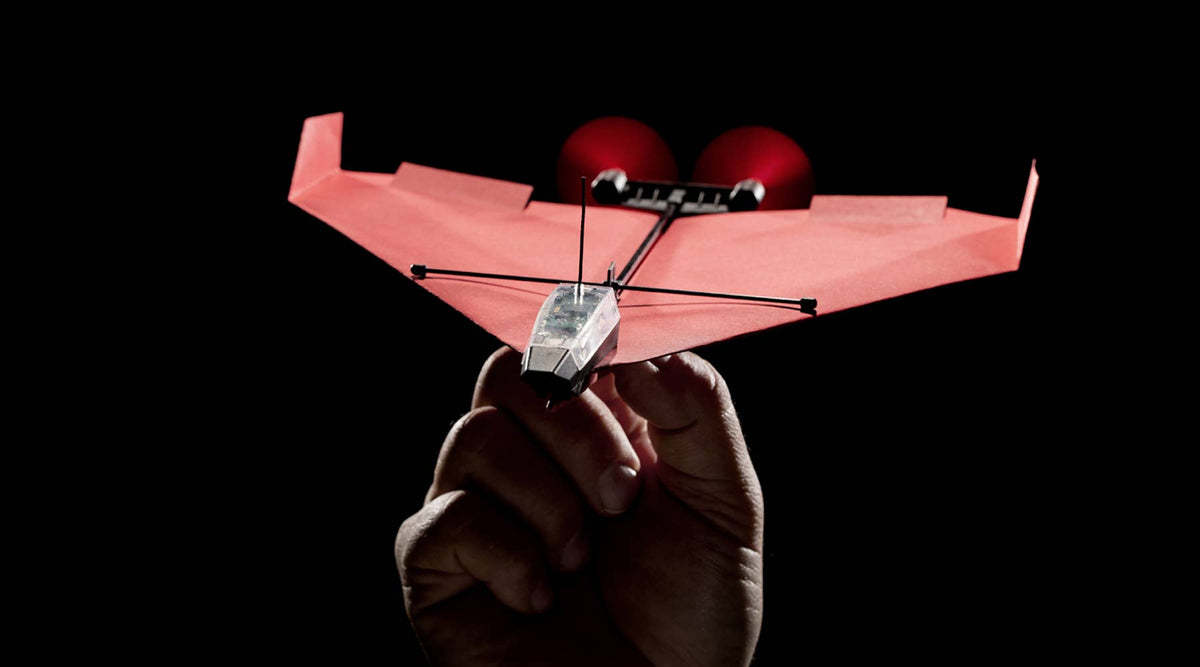
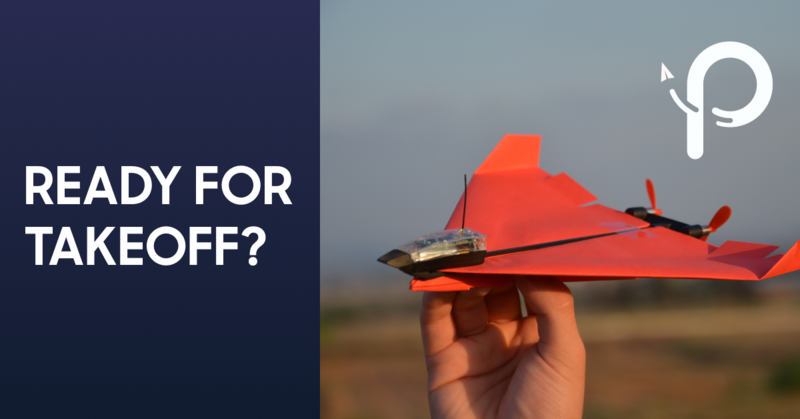
What if your paper airplane could do more than glide? With the POWERUP 4.0 Smartphone-Controlled Paper Airplane Kit, kids can turn an ordinary paper airplane into an incredible remote-controlled flying machine!
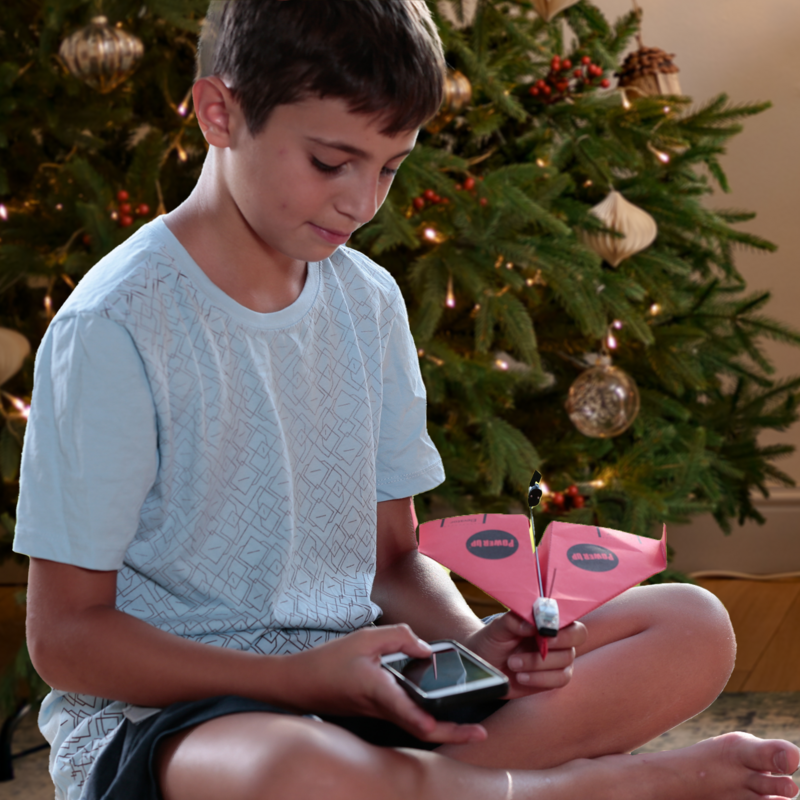
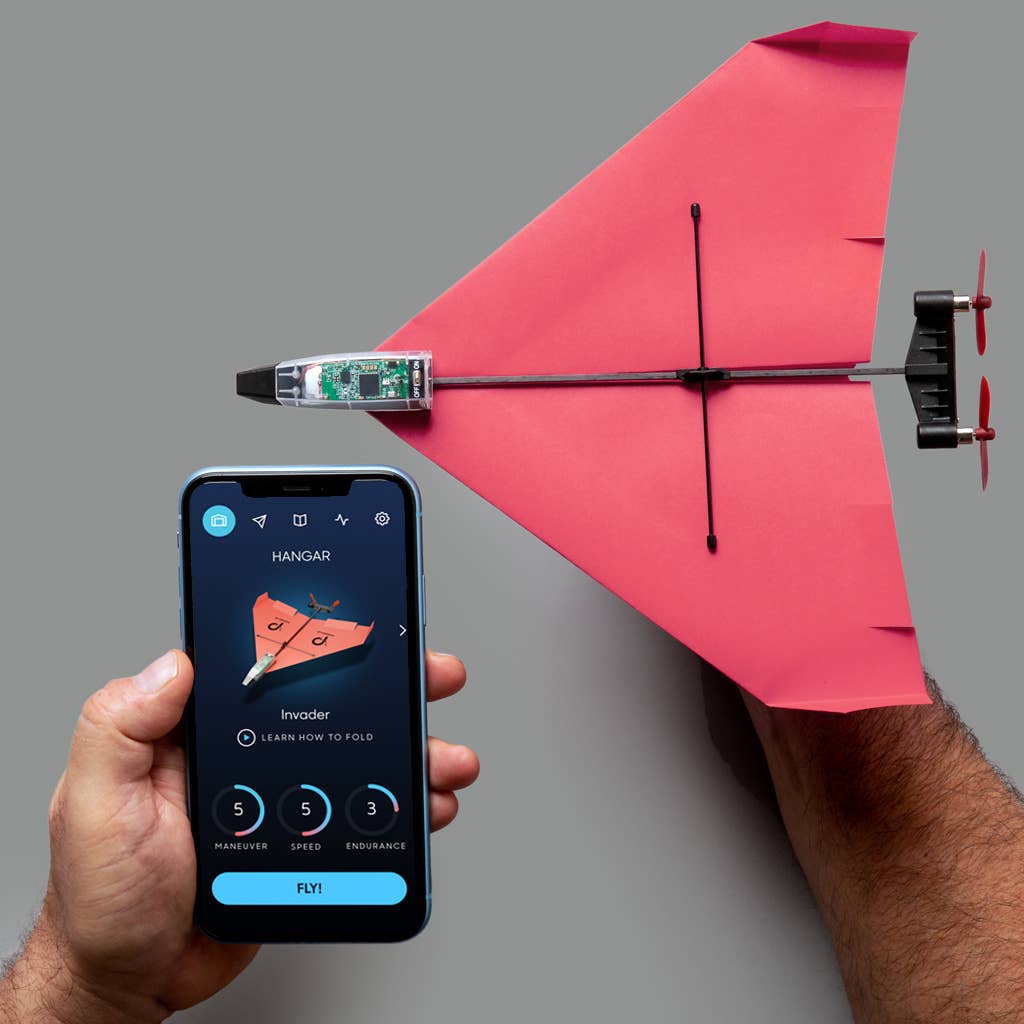
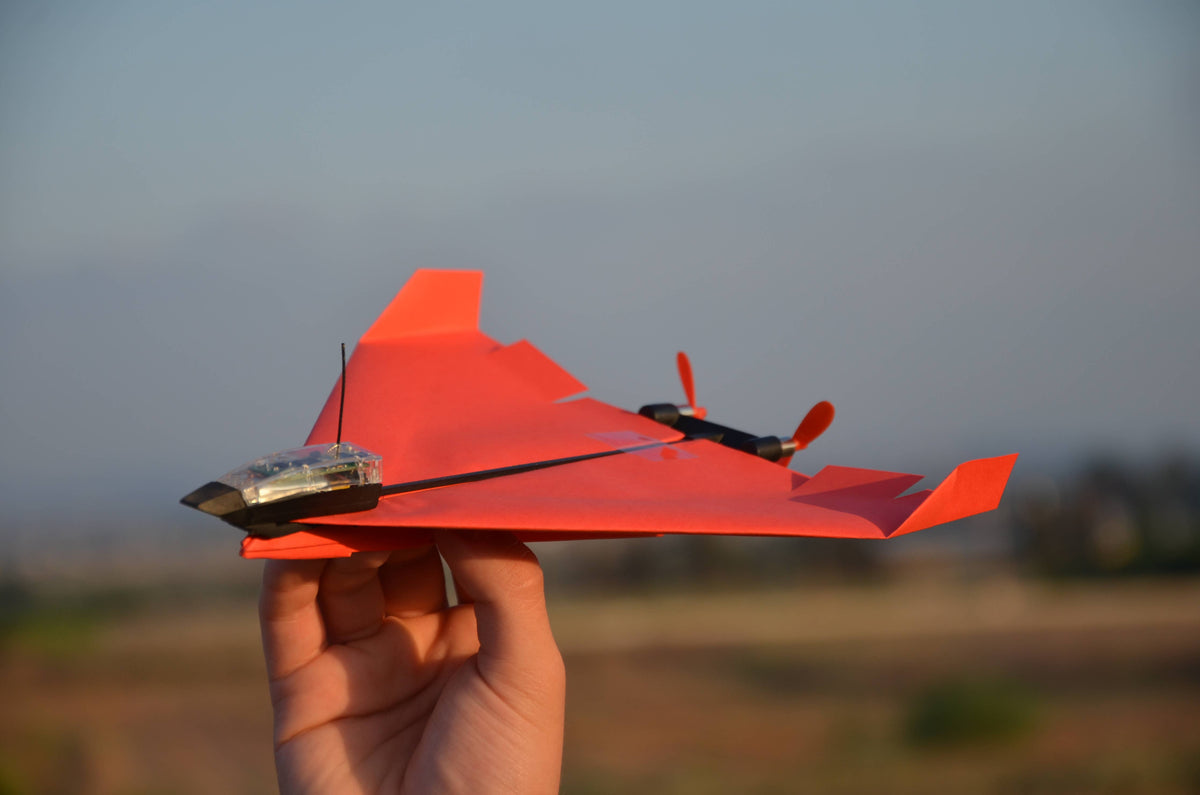
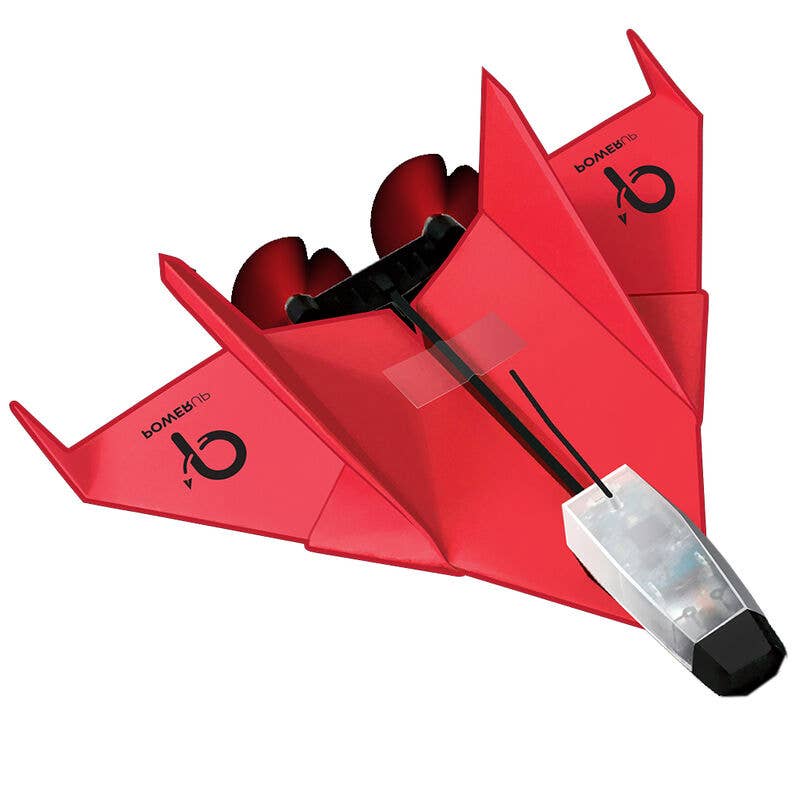
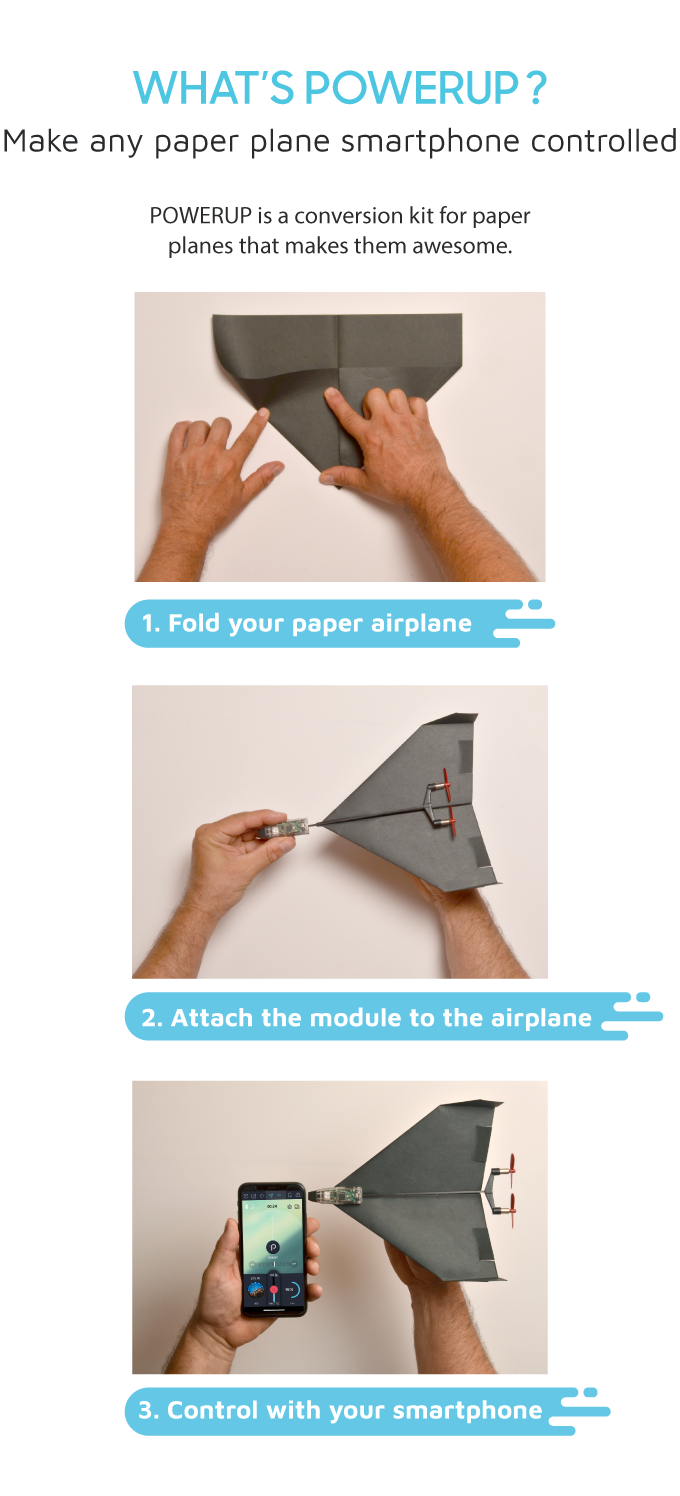
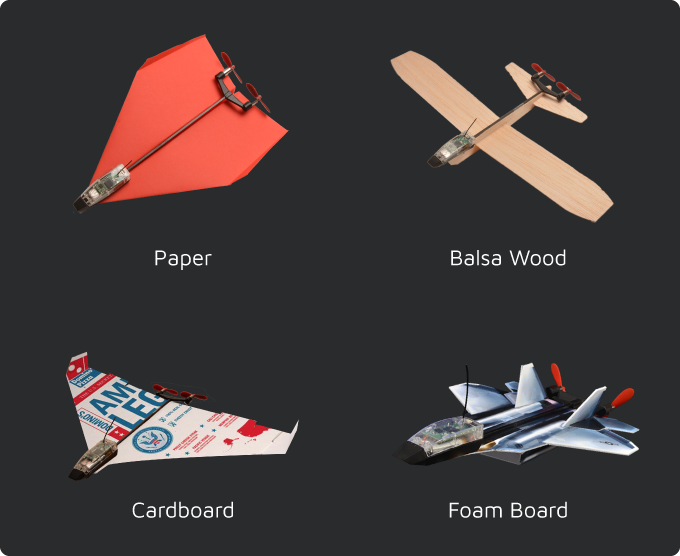
Fold your airplane, attach the lightweight POWERUP 4.0 motor, and take to the skies! Using a smartphone and Bluetooth technology, young pilots can steer their creations, experiment with different airplane designs, and discover the science behind flight.
Whether they’re perfecting their takeoff, testing new wing shapes, or mastering aerial maneuvers, kids will love seeing their engineering ideas come to life.
Why Kids (and Parents!) Love It
- Smartphone-Controlled Flight: Pilot your paper airplane using Bluetooth and the POWERUP app.
- Real STEM Learning: Explore aerodynamics, lift, thrust, and the engineering principles that make airplanes fly.
- Endless Creativity: Experiment with different paper airplane designs and discover how small changes affect flight.
- Impressive Flying Range: Fly up to 230 feet away!
- Extended Flight Time: Enjoy up to 10 minutes of flight on a single charge.
- Built to Last: The durable carbon-fiber body is designed to withstand crashes and keep the adventures going.
- Outdoor Adventure: Get kids outside, moving, experimenting, and learning through play.
What’s Included
- POWERUP 4.0 smartphone-controlled flight module
- Paper airplane templates
- Accessories for assembling and flying your airplane
Learn by Doing
The POWERUP 4.0 transforms playtime into an exciting engineering adventure! Kids can test different airplane designs, observe how they perform, and make adjustments to improve their flights.
It’s a wonderful way to encourage problem-solving, creativity, perseverance, and a love of science—all while having a blast outdoors!
Pairs well with
🌟 Why We Love it
🧠 Skills Developed
🎯 Age Range
8+
📦 What's Inside
⏱️ Time to Play
Approximately 15-30 minutes for initial setup and experimentation, followed by up to 10 minutes of flight per charge. Recharging takes approximately 25-30 minutes
📏 Dimensions
9.1 x 3.6 x 0.9 inches
⚖️ Weight
3.2 oz
🧵 Materials
Carbon fiber, reinforced nylon, polypropylene plastic, rubber, paper, and electronic components.
🔋 Batteries Needed?
Includes a rechargeable 150 mAh lithium-polymer battery and Micro USB charging cable
⚠️ Warnings
📖 Instructions Link
FAQs
What age range are Rubber Ducky Dojo products for?
Our products are designed for kids ages 6-12, perfect for budding engineers and coders!
Are your robots and kits safe?
Yes! All our products meet safety standards and are made with child-friendly materials.
Do the robot kits require coding experience?
Nope! Our kits are designed for beginners, with easy-to-follow instructions.
What payment methods do you accept?
We accept all major credit cards, Apple Pay, and Google Pay.
How do I track my order?
You'll receive a tracking number via email once your order ships.
What's your return policy?
We accept returns within 30 days. Please see our return policy here for details.
My product isn't working. What should I do?
Check the instruction manual or contact our customer support team for help.
How do I create a Rubber Ducky Dojo account?
Simply click the "Account" icon on our website and follow the prompts.
I am not receiving emails from Rubber Ducky Dojo, what should I do?
Rubber Ducky Dojo utilizes Klaviyo to provide email updates. Please check your spam folder, and ensure that the email address is added to your safe sender list.
Where can I find the instructions for my product?
Instructions may be included in the box.
If you have any questions, you are always welcome to contact us. We'll get back to you as soon as possible, within 24 hours on weekdays.
-
Shipping Information
We're just as excited as you are to get those awesome coding robots and STEAM toys into your hands! Here's what you need to know about shipping:
- Speedy Delivery: We aim to ship your Rubber Ducky Dojo order within 2 business days.
- Delivery Time: We have a few shipping options, from standard to UPS Next Day Air. You'll see options at checkout.
- Shipping Costs: You'll see the shipping cost at checkout. Plus, orders over $75 ship FREE!
- Tracking Your Order: We'll email you a tracking number as soon as your order ships. You can track it on the USPS, UPS, or FedEx website.
- Shipping Partners: We work with USPS, UPS, and FedEx to get your order to you quickly and safely. We utilize ShipStation to provide the best shipping rates possible.
- Help with Shipping: If you have any shipping questions or concerns, please contact our friendly customer support team.
-
Customer Support
Got a question about our robots, coding kits, or anything else? We're here to help!
- Email Us: Send your questions to hello@rubberduckydojo.com
- Hours: We're available Monday through Friday, 9 AM to 6 PM Central Time.
- Quick Replies: We'll do our best to reply to your email within 1 business day.
- Mailing Address: Rubber Ducky Dojo, 109 Symonds Dr Hinsdale, Illinois, 60522
- Need help with returns? Please see our return policy.
- Looking for answers? Check out our FAQ.
-
FAQ’s
Your Questions, Answered!
- Q: What age range are Rubber Ducky Dojo products for?
A: Our products are designed for kids ages 6-12, perfect for budding engineers and coders! - Q: Are your robots and kits safe?
A: Yes! All our products meet safety standards and are made with child-friendly materials. - Q: Do the robot kits require coding experience?
A: Nope! Our kits are designed for beginners, with easy-to-follow instructions. - Q: What payment methods do you accept?
A: We accept all major credit cards, Apple Pay, and Google Pay. - Q: How do I track my order?
A: You'll receive a tracking number via email once your order ships. - Q: What's your return policy?
A: We accept returns within 30 days. Please see our return policy for details. - Q: My product isn't working. What should I do?
A: Check the instruction manual or contact our customer support team for help. - Q: How do I create a Rubber Ducky Dojo account?
A: Simply click the "Account" icon on our website and follow the prompts. - Q: I am not receiving emails from Rubber Ducky Dojo, what should I do?
A: Rubber Ducky Dojo utilizes Klaviyo to provide email updates. Please check your spam folder, and ensure that the email address is added to your safe sender list. - Q: Where can I find the instructions for my product?
A: Instructions may be included in the box.
- Q: What age range are Rubber Ducky Dojo products for?
-
Contact Us
Rubber Ducky Dojo
109 Symonds Dr
Hinsdale, IL 60522
Phone number:
+1-312-379-9070
Monday – Friday: 9:00 – 6:00pm CSTEmail:
hello@rubberduckydojo.com


